
JetX Login and Registration Guide for Players in India

Creating a JetX account does not take long. A mobile number or email, a password, a few personal details — done. At least that is how it should go.
The important part comes before pressing the registration button. Players need to use the correct website or supported JetX Mobile App, enter genuine information and choose their account currency carefully. A rushed mistake here can come back later, usually when a withdrawal is waiting and the name on the payment method does not match the name in the profile. Awkward. Avoidable too.
This guide explains the full JetX registration process, how to log in from a phone or computer, what to do when a password stops working and why account verification should not be left until the last possible moment.
New users can also explore JetX Demo Mode before depositing. Demo play uses a virtual balance, so it is a much calmer way to learn where the betting panels and Cash Out controls are located.
What Do You Need to Register for JetX?
The registration form is usually compact. JetX is a fast crash game; the account setup around it is not meant to feel like applying for a mortgage.
Still, the information must be accurate.
Depending on the registration method available, players may be asked for a mobile number, email address, full name, date of birth and preferred currency. Some forms begin with only a phone number and password, then request the remaining details later inside the account.
| Registration detail | Why it is needed | What to enter |
|---|---|---|
| Mobile number | Login, verification codes and account recovery | An active number you control |
| Email address | Security messages and password recovery | A regularly checked email |
| Password | Protects access to the account | A unique, strong password |
| Full name | Used for identity and payment checks | Your legal name |
| Date of birth | Confirms age eligibility | Your real birth date |
| Account currency | Used for bets and transactions | INR when available and suitable |
| Promo code | Activates certain offers | A valid code, if required |
Do not register using someone else’s phone number or bank details. It may work for a few minutes. Then the first verification request arrives and the whole thing turns into a knot.
Players must also meet the legal age requirement that applies to the platform and their location. Local gambling rules can vary across India, so access should be checked before creating an account or making a deposit.
How to Create a JetX Account
Start from the official registration page or the registration button inside the supported mobile app. Look for wording such as Register, Sign Up, Create Account or Join Now.
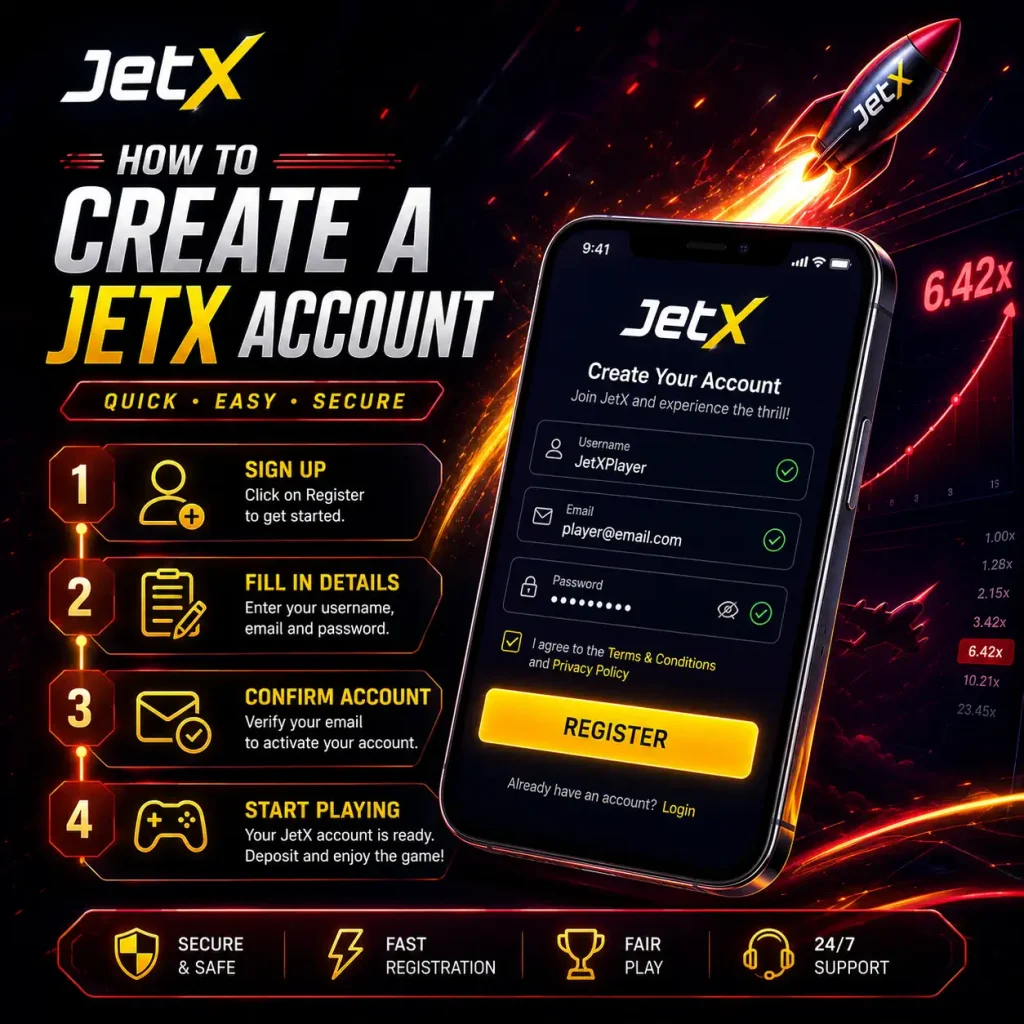
The labels may differ. The basic process stays familiar.
- Open the JetX website or mobile app.
- Tap the registration button.
- Choose registration by mobile number or email, where both options are available.
- Enter the requested contact details.
- Create a secure password.
- Select INR or another supported account currency.
- Add a promo code when you have one.
- Accept the age confirmation and account terms.
- Submit the form.
- Enter the SMS or email verification code, if requested.
After that, the player is normally taken to the account dashboard or directly into the game lobby.
Before making a real-money deposit, open the profile section and check the details. One misspelled letter in a name is easier to fix now than after a payment review has started.
Registering With a Mobile Number
Phone registration is often the quickest route for Indian users. Enter the mobile number with the correct country code, wait for the one-time password and type it into the confirmation field.
The OTP should arrive within a minute or two. Sometimes it does not. Mobile networks have bad moods.
When the message is delayed:
- check that the number was entered correctly;
- make sure the phone has a network signal;
- wait before requesting another code;
- check whether SMS filtering is enabled;
- restart the app or browser;
- contact support if repeated attempts fail.
Never give the verification code to another person. Legitimate support should not need an OTP that authorises account access or a payment.
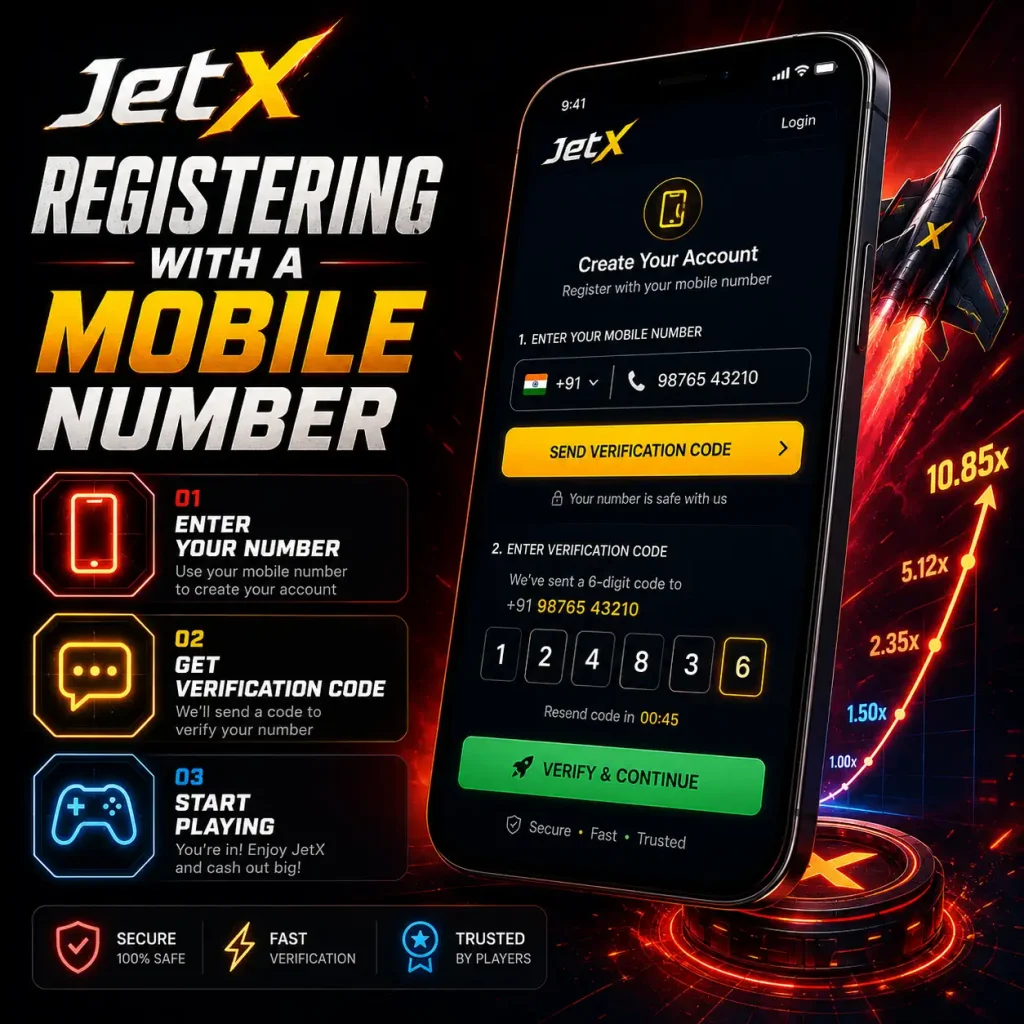
Once the number is confirmed, keep it active. Changing a registered phone number later may require an identity check.
Registering With an Email Address
Email registration works in much the same way. Enter an address, create a password and open the confirmation message sent to the inbox.
Check the spam or promotions folder if nothing appears. Automated casino emails have a habit of wandering into odd places.
Use a private email address rather than a shared work or family account. It will receive login alerts, recovery links, payment updates and possibly promotional messages. Anyone with access to that inbox may also be able to reset the JetX password.
After confirming the address, sign in once more to make sure the credentials were saved correctly.
Choosing a Secure JetX Password
A good password does not need to look like someone dropped a keyboard down the stairs. It does need to be hard to guess and different from passwords used elsewhere.
Use a mix of:
- uppercase and lowercase letters;
- numbers;
- symbols;
- at least 10–12 characters;
- words or fragments that are not connected to your name or birthday.
Avoid JetX123, a mobile number, a pet’s name or the same password used for online banking. Reusing passwords is convenient right up until one website leaks them.
A password manager is a sensible option. It creates and stores long passwords, which removes the temptation to use the same easy one everywhere.
Using a JetX Promo Code During Registration
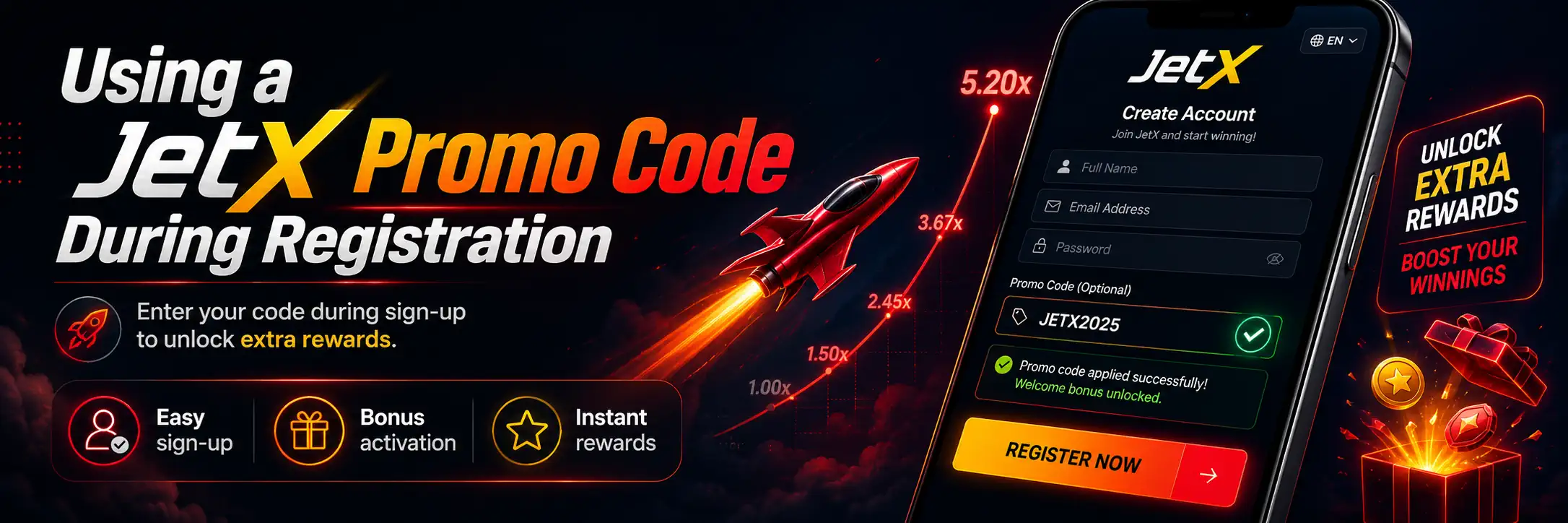
Some bonus campaigns require a promo code to be entered while the account is being created. Others allow the code to be activated later, before the first deposit.
Check the JetX Promo Codes page before submitting the form. A code added to the wrong field, entered after the deadline or used with an excluded payment method may not activate anything.
Players should also read the full conditions under JetX Bonuses. A large bonus percentage looks lovely in a banner. The less glamorous details matter more:
- minimum qualifying deposit;
- wagering requirement;
- eligible games;
- maximum permitted stake;
- expiry period;
- withdrawal limits;
- whether JetX bets contribute to wagering.
Do not create a second account just to try another welcome code. Duplicate accounts are commonly restricted, and balances may be held while ownership is investigated.
How to Log In to JetX
Once the account has been created, open the login form and enter the registered mobile number or email address together with the password.
The usual login process is:
- Open the JetX website or app.
- Tap Login or Sign In.
- Enter the registered phone number or email.
- Type the password.
- Complete an OTP or security check when requested.
- Open the account dashboard or JetX game.
Most login problems are painfully ordinary: a mistyped password, an old email address, Caps Lock left on. Check those before assuming the account has vanished.
Do not keep trying random password combinations over and over. Repeated failed attempts may trigger a temporary security lock.
JetX Login Through the Mobile App
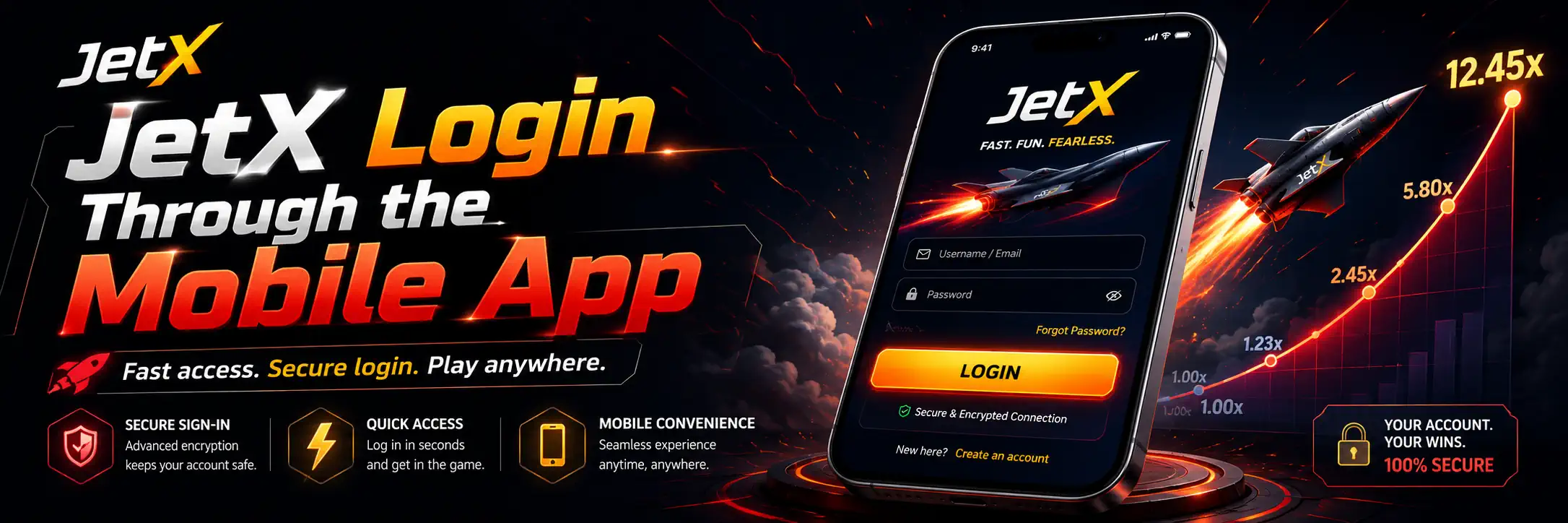
The login screen inside the JetX Mobile App uses the same account credentials as the browser version. Players should not need to create a separate mobile account.
Saved login can be convenient on a personal phone. On a shared device, it is a bad idea.
Use a screen lock, fingerprint or face recognition when available. The phone itself becomes the first barrier protecting the balance and personal data. If the app supports two-factor authentication, turn it on.
Some app updates automatically sign users out. This is normal. Enter the credentials again rather than downloading a different app because an advert claims the old version has “stopped working.”
JetX Login on a Computer
Desktop login follows the same steps, but players should pay closer attention to the website address. Fake login pages can copy the colours, logo and layout of a genuine platform with surprising accuracy.
Before entering a password:
- check the domain spelling;
- look for a secure HTTPS connection;
- avoid links from unsolicited messages;
- do not log in through public computers;
- sign out when the session is finished.
Browser password saving is acceptable on a private, protected computer. On a machine used by several people? No. Just no.
The account may remain open even after the browser window is closed, depending on session settings. Use the actual logout button.
Common JetX Login Problems
A login failure does not always mean the account has been blocked. Often it is a small technical issue wearing a dramatic costume.
| Login problem | Likely cause | What to try |
|---|---|---|
| Password rejected | Typo, changed password or Caps Lock | Retype it carefully or reset it |
| OTP does not arrive | Network delay or incorrect number | Check signal and resend after waiting |
| Email not recognised | Wrong address or different signup method | Try the registered mobile number |
| App keeps loading | Weak connection or outdated app | Change network, restart and update |
| Account temporarily locked | Too many failed attempts | Wait and contact support |
| Login page looks unusual | Wrong or fake website | Close it and verify the domain |
| Session ends repeatedly | Browser cookies or security settings | Enable required cookies and sign in again |
| Account restricted | Verification or security review | Read account messages and contact support |
Take a screenshot of any error message before contacting support. “It does not work” gives them almost nothing to work with. An exact error code or message is far more useful.
How to Reset a Forgotten JetX Password
Tap Forgot Password below the login form. The account recovery page should ask for the registered phone number or email address.
A typical reset looks like this:
- Select password recovery.
- Enter the registered contact detail.
- Request a verification code or recovery link.
- Open the SMS or email.
- Create a new password.
- Log in again.
Recovery links can expire quickly. Use the newest message, not one requested half an hour earlier.
If the registered mobile number or email is no longer accessible, contact Contact Us or the platform support team. Be ready to confirm account ownership. This may include personal details, previous payment information or identity documents.
Never pay a stranger to “recover” the account. That is usually just theft with extra theatre.
Why JetX May Request an OTP at Login
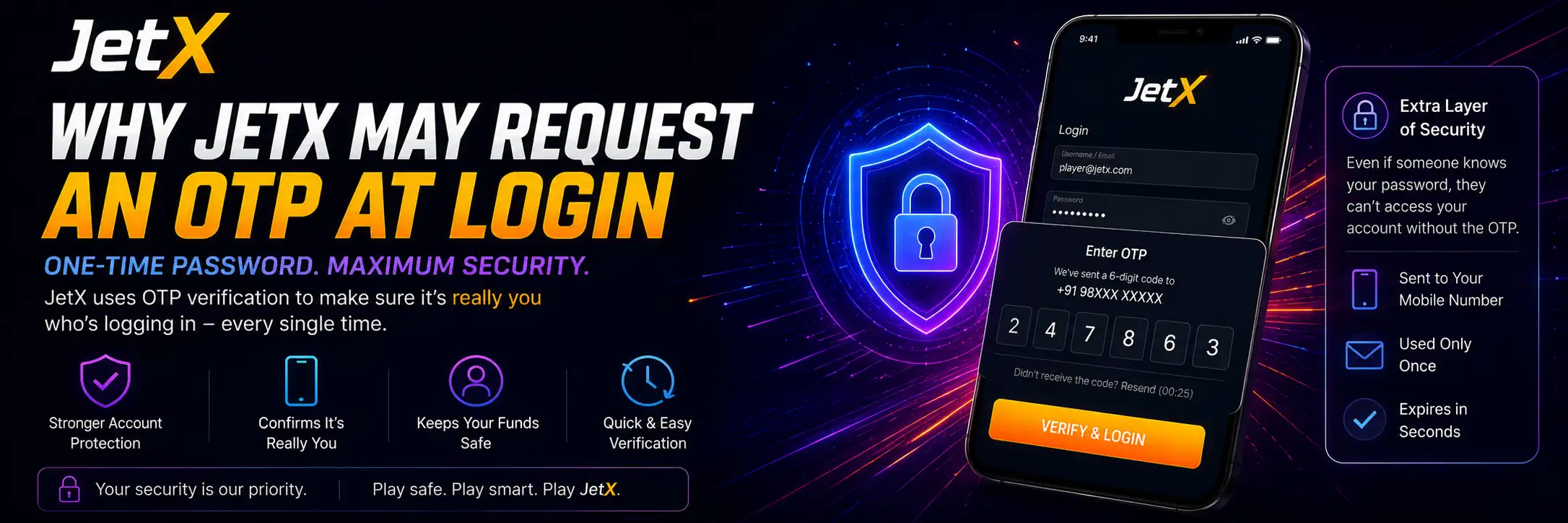
An OTP is an additional security check sent by SMS or email. It may appear after a login from a new device, a password reset, a long period of inactivity or activity that the security system considers unusual.
It can be annoying. It is also useful.
An OTP helps stop someone who has learned the password but does not control the registered phone or email. Keep the code private, even when the person asking claims to work for support.
No proper support agent needs the code to “check whether it works.”
Completing Your JetX Profile
Registration opens the account, but the profile may still be incomplete. Players should check the account settings before using deposits or withdrawals.
The profile may request:
- full legal name;
- date of birth;
- home address;
- email confirmation;
- mobile verification;
- preferred currency;
- communication preferences;
- security settings.
The name should match the documents and payment methods that may later be used. A nickname belongs in a chat room, not in a financial profile.
Players who want to understand what information is collected and how it may be handled should read the JetX Privacy Policy.
JetX KYC and Verification After Registration
Some players can explore the lobby and make a deposit before verification is completed. Withdrawals are where incomplete accounts often hit a wall.
The JetX KYC & Verification process may require:
- a passport, driving licence or another accepted identity document;
- proof of address;
- a photograph or selfie;
- confirmation of the bank card, UPI account, e-wallet or other payment method.
Exact requirements depend on the platform and account activity.
| Verification item | What it confirms | Common rejection reason |
|---|---|---|
| Identity document | Name, age and identity | Expired document or cropped image |
| Proof of address | Residential address | Document is too old or details differ |
| Selfie or face check | Document owner is present | Poor lighting or unclear image |
| Payment proof | Ownership of the funding method | Name mismatch or hidden details |
| Mobile/email code | Control of contact information | Expired or incorrect code |
Upload clear photographs. No glare, no missing corners, no artistic shadows across the document. Verification software is not impressed by mood lighting.
Account details should be corrected through support rather than altered repeatedly. Multiple sudden changes can look suspicious even when the original mistake was innocent.
Making a Deposit After Registration
Once the account is ready, open the cashier and review the available JetX Deposit Methods. Indian users may see options such as UPI, bank transfer, cards or e-wallets, depending on the supported platform and current payment availability.
Before confirming:
- check the minimum deposit;
- confirm that INR is selected;
- read any payment fees;
- make sure the account name matches;
- verify whether a bonus is attached;
- save the transaction reference.
The broader JetX Payments guide explains how deposits, withdrawals and account transaction records fit together.
Do not use payment instructions received through an unknown social media account. Deposit details should come from the cashier inside the protected account area.
Preparing the Account for Withdrawals
Withdrawal trouble often starts during registration, long before anyone presses the Withdraw button.
A false name, borrowed payment method or forgotten email can all delay a payout. Complete the profile properly and use payment accounts belonging to the same person who owns the JetX account.
The JetX Withdrawal page covers payout requests, pending transactions and common verification delays in more detail.
A few sensible preparations help:
- verify contact details early;
- use your own payment method;
- keep transaction receipts;
- complete requested KYC checks;
- read bonus wagering rules;
- avoid opening multiple accounts.
After submitting a withdrawal, let it process. Constantly cancelling the request to place more bets defeats the point of withdrawing.
Can You Have More Than One JetX Account?
Usually, players should operate one account only. Creating extra accounts with different emails or phone numbers can trigger duplicate-account checks.
People do it for all sorts of reasons — another welcome bonus, a forgotten password, a blocked payment method. None of those reasons makes the second account a clever idea.
Recover the original account through the password reset tool or support. Do not register again unless support specifically confirms that a new account is allowed.
Duplicate accounts may lead to bonus cancellation, delayed payments or account restrictions.
How to Protect Your JetX Account
Account security is mostly dull habits. Dull habits work.
| Security step | Why it helps |
|---|---|
| Use a unique password | Stops leaks from another site being reused |
| Enable two-factor authentication | Adds a second login check |
| Lock the phone or computer | Blocks casual access to the account |
| Check the website address | Reduces phishing risk |
| Avoid unofficial apps | Protects credentials and payment data |
| Sign out on shared devices | Prevents another person opening the session |
| Never share OTP codes | Stops unauthorised login and transactions |
| Review account history | Helps spot unfamiliar activity early |
If an unknown login, payment or profile change appears, change the password immediately and contact support. Do not wait to see whether anything else happens.
Sometimes nothing happens. Sometimes the balance is gone.
FAQ
Can I log in from both the app and the website?
Yes. One account is enough. The same phone number or email and password can be used on the website, in the JetX Mobile App and on another personal device. A fresh login may trigger an OTP check, especially if the device has not been used before.
What if my JetX password suddenly stops working?
Start with the boring stuff — Caps Lock, a mistyped email, maybe one sneaky extra space. Happens all the time. If the login still refuses to cooperate, hit Forgot Password and reset it through the SMS or email link. Don’t sit there firing off random guesses, though. Too many failed attempts can lock the account for a while.
Do I need to complete KYC before playing JetX?
Not necessarily. You may be able to open the game, look around and even deposit before anyone asks for documents. The real checkpoint often comes when you try to withdraw. That’s when ID and payment verification can suddenly become unavoidable. Sorting out JetX KYC & Verification early is usually less painful than doing it with a payout already stuck in pending.
Can I just create a new account if I can’t access the old one?
You can try, but it may cause more trouble than it solves. The system can link accounts through the same phone, device, IP address or payment method and mark the new one as a duplicate. Better to reset the password or contact support and recover the original account. A forgotten login is annoying. A duplicate-account review is worse.