
JetX Mobile App for Android and iOS Players in India

JetX moves quickly. A round begins, the aircraft takes off, the multiplier starts climbing and suddenly everyone is staring at the Cash Out button. It is the sort of game that fits a phone almost too well.
The JetX Mobile App brings the full crash game experience to Android phones, iPhones and tablets. Players can open their account, choose a stake, follow the rising multiplier and collect a payout without sitting in front of a desktop computer. The main controls remain close at hand, which matters when a decision sometimes has to be made in a second.
The app also gives access to account features outside the game itself. Deposits, withdrawals, bonus offers, identity checks and transaction history can all be managed from one place. No hopping between five different pages. Much cleaner.
New players do not need to jump straight into real-money rounds either. The JetX Demo Mode offers a chance to explore the interface and practise cashing out with a virtual balance first. That is the sensible place to begin. Crash games look simple — and technically, they are — but the pace can catch people off guard.
What Is the JetX Mobile App?
The JetX app is a mobile version of the JetX crash game, designed for smaller touchscreens and play on the move. It keeps the familiar aircraft animation, multiplier display, betting panels and Cash Out controls, then rearranges them so they remain usable on a phone.
Nothing fancy needs to happen. Pick a stake. Start the bet. Watch the multiplier.
Then decide.
Cash out early and the return may be small. Wait too long and the round could end before the bet is collected. There is no secret rhythm hiding behind the animation, no magic run of previous results that tells you what comes next. Every new round needs to be treated as a separate risk.
Depending on the account and app version, players may also see game history, their previous bets, other players’ activity and an in-game chat. The essential controls stay visible during the round, so there is no digging through menus when the aircraft is already in the air.
Main Features of the JetX App
The mobile version is not just a tiny desktop page squeezed onto a narrow display. Its controls are built around tapping, scrolling and one-handed use.
| Mobile feature | What it does |
|---|---|
| One or two betting panels | Allows separate bets to be placed in the same round |
| Manual Cash Out | Lets the player collect a bet before the aircraft disappears |
| Auto Bet | Repeats a selected stake across future rounds |
| Auto Cashout | Collects the bet automatically at a chosen multiplier |
| Demo mode | Uses a virtual balance for practice |
| Round history | Displays previous multiplier results |
| Account access | Opens profile, balance and transaction controls |
| Mobile payments | Supports deposits and withdrawal requests from the app |
| Live chat | May be available during real-money play |
Two betting panels are useful, though they need a bit of thought. Some players use one smaller bet with an early Auto Cashout setting, then leave the second bet running for longer. This spreads the decisions across two positions. It does not remove the risk. Nothing does.
Auto Cashout is probably the most practical mobile feature. A missed tap, a weak signal or a badly timed notification can ruin a manual exit. Setting a collection point in advance takes that last-second scramble out of the equation.
Still, automatic controls are not a strategy for beating JetX. They simply carry out instructions.
JetX App Download for Android
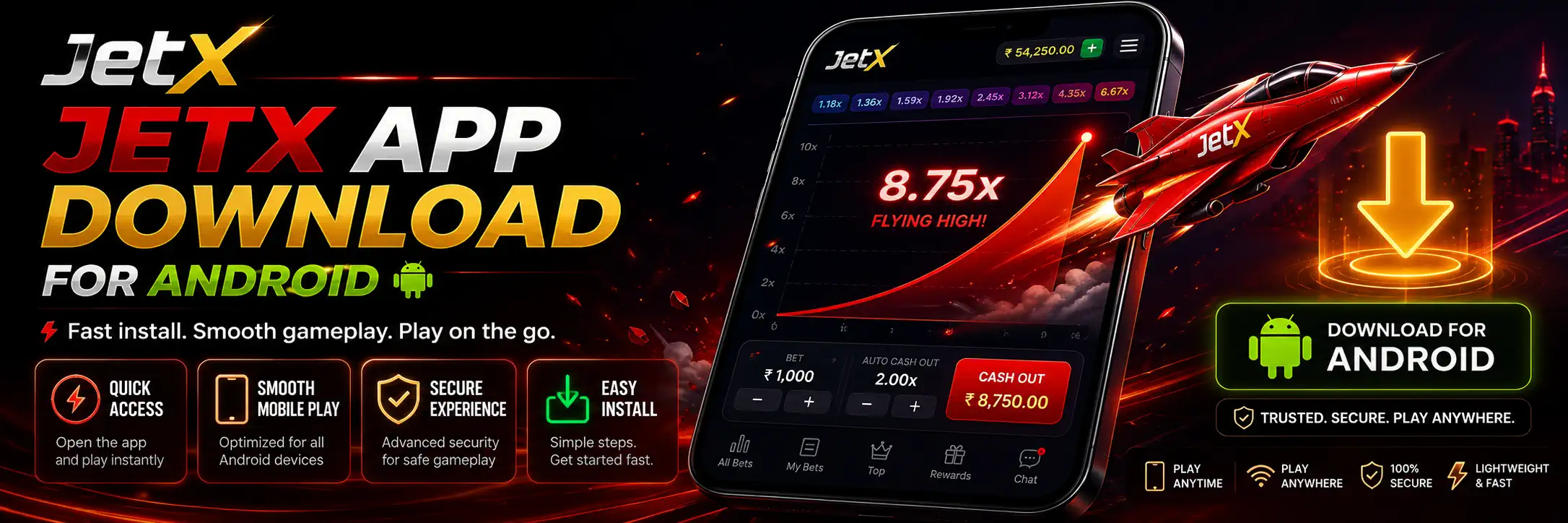
Android installation is usually straightforward, though the exact path may depend on where the app is distributed. Some versions may be offered through an app store, others through a direct APK download from the supported JetX platform.
Never download an APK from a random Telegram channel, file-sharing page or “predictor” website. Seriously. A fake installer can look almost identical to the real thing and still steal login details, payment data or access to the phone.
A normal Android installation looks like this:
- Open the official JetX mobile page on your phone.
- Find the Android download button.
- Download the installation file.
- Allow installation from the selected browser if Android asks for permission.
- Open the file and complete the installation.
- Launch the app and sign in.
Players creating a new account can follow the full steps on the JetX Login & Registration page.
After installation, return to the phone settings and disable permission to install unknown apps from the browser. It takes a few seconds. Worth doing.
JetX App for iPhone and iPad
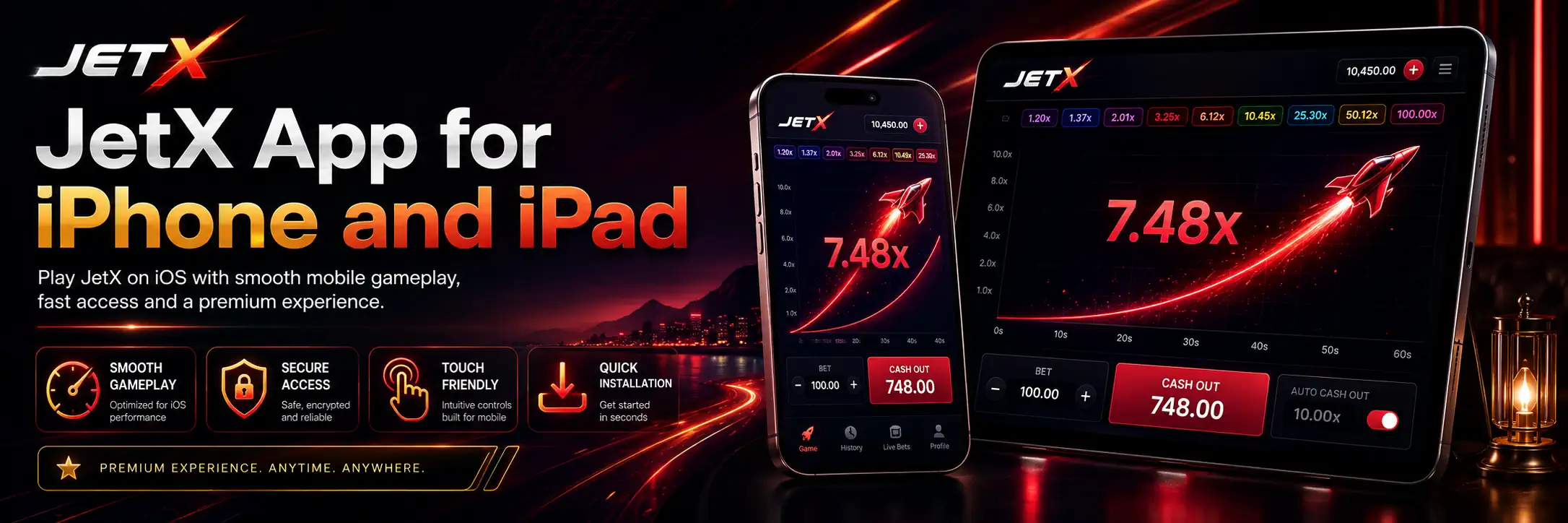
The iOS version is designed for iPhones and iPads. Installation may be offered through an App Store listing or through an official mobile installation link, depending on the version available in the player’s region.
Apple devices tend to be stricter about installations outside the App Store. That is mostly a good thing. If an unknown website starts asking for configuration profiles, device management access or odd security permissions, stop there.
| Feature | Android | iPhone and iPad |
|---|---|---|
| Typical installation | App store or APK file | App Store or supported installation link |
| Manual permission may be needed | Yes, for APK installation | Usually no |
| Touch-optimised game screen | Yes | Yes |
| Demo and real-money modes | Supported | Supported |
| Deposits and withdrawals | Available through the account | Available through the account |
| Automatic updates | Depends on installation method | Usually available through the App Store |
Once installed, the actual game works in much the same way on both systems. The phone model matters less than screen stability, browser support and a decent internet connection.
An older device may still run JetX, but background apps can cause lag. Close whatever is eating memory. Video editors, ten browser tabs, another game still running — the usual culprits.
Registering and Logging In Through the App
Existing players can sign in using the same account details they use on the desktop version. New users will need to create an account before playing for real money.

Registration normally asks for basic details such as:
- a mobile number or email address;
- a secure password;
- the preferred account currency;
- a promo code, when one is being used;
- confirmation that the player meets the required legal age.
Use real information. A fake surname or invented date of birth may seem harmless during registration, then become a complete nuisance when a withdrawal triggers identity verification.
A good password should be unique to the account. Reusing the same password from email, social media and banking apps is asking for trouble. Two-factor authentication should be enabled whenever the option appears.
Login sessions can sometimes expire after an update or a long period of inactivity. This is normal. Re-enter the password rather than trying to keep the account permanently open on a shared phone.
Playing JetX in Demo Mode on Mobile
Demo play follows the same basic round structure as the real-money game, but the balance is virtual. No deposit is needed and any demo winnings remain fictional.
That makes demo mode useful for learning the screen:
- where the stake boxes are;
- how the two betting panels work;
- when betting closes;
- how manual Cash Out responds;
- where to set Auto Bet;
- how to choose an Auto Cashout multiplier.
It is also a good way to see how the game behaves on a particular phone. Maybe the buttons feel cramped. Maybe landscape mode is more comfortable. Better to discover that with virtual credits than in the middle of a paid round.

Demo results do not create a reliable winning plan. A player can have a brilliant run with pretend money and lose quickly after switching to cash. The underlying risk has not changed; only the emotional pressure has.
How to Play JetX Through the Mobile App

After logging in, open the game lobby and select JetX. The main game screen should show the betting area, current balance, previous multipliers and the aircraft display.
The basic process is short:
- Enter the amount you want to stake.
- Choose the first or second betting panel.
- Set Auto Bet or Auto Cashout if needed.
- Confirm the bet before the countdown ends.
- Watch the multiplier rise.
- Tap Cash Out before the round finishes.
If the bet is collected at 2.00x, a ₹100 stake returns ₹200 in total. If the aircraft disappears before collection, the ₹100 stake is lost.
Fast. Brutal sometimes.
The second betting panel can be used independently. Each side may have a different stake and a different automatic collection point. Do not mistake that flexibility for extra protection — placing two bets also means risking two amounts.
Mobile Deposits and Payment Options
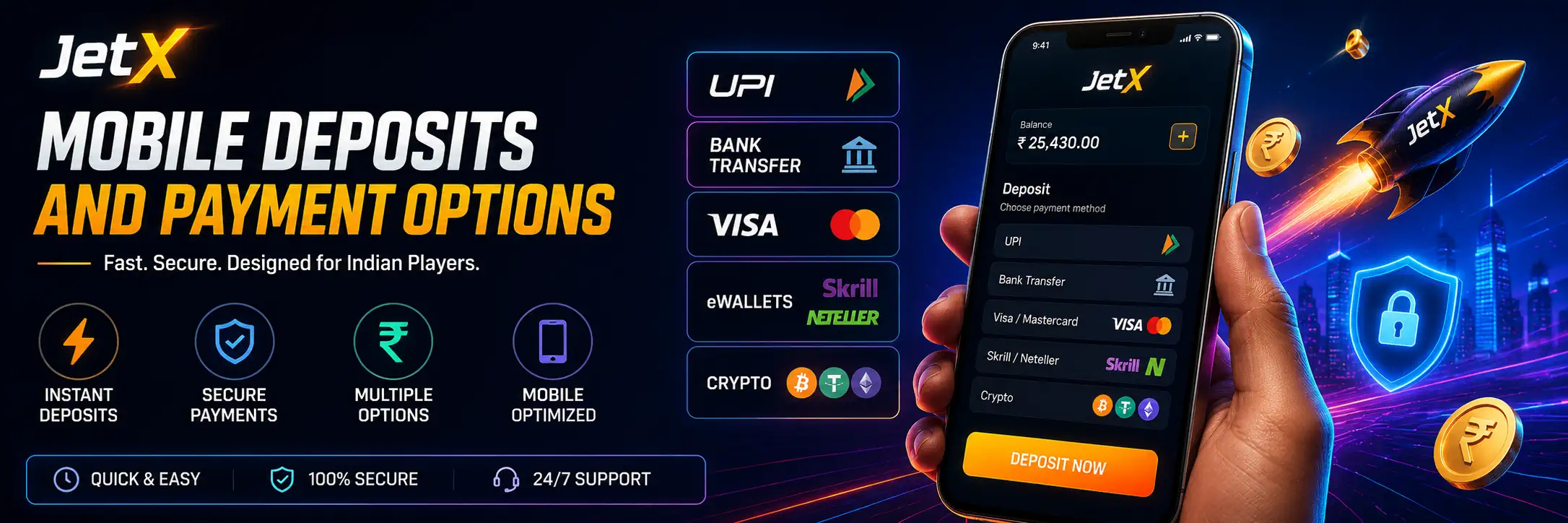
Deposits can usually be made from the cashier section of the app. Available methods may differ between accounts, platforms and regions, so players should check the live payment screen before relying on a particular option.
The JetX Payments page gives a wider overview of account transactions. More detailed funding instructions are available under JetX Deposit Methods.
| Payment category | Common mobile use | What to check |
|---|---|---|
| UPI | Quick INR deposits through a linked app | Account name, amount and payment status |
| Bank transfer | Direct payment from a bank account | Reference details and processing time |
| Debit or credit card | Card-based deposit inside the cashier | Card limits and possible bank decline |
| E-wallet | Deposit through a supported wallet | Wallet verification and transaction fees |
| Cryptocurrency | Transfer to a displayed wallet address | Network, token and exact address |
Never send money using payment details received in an unsolicited chat message. Use the cashier information shown inside the account. Payment addresses and UPI details may change; screenshots become outdated surprisingly fast.
Before confirming a deposit, check the amount twice. One wrong zero makes for a rotten afternoon.
Withdrawals From the JetX App
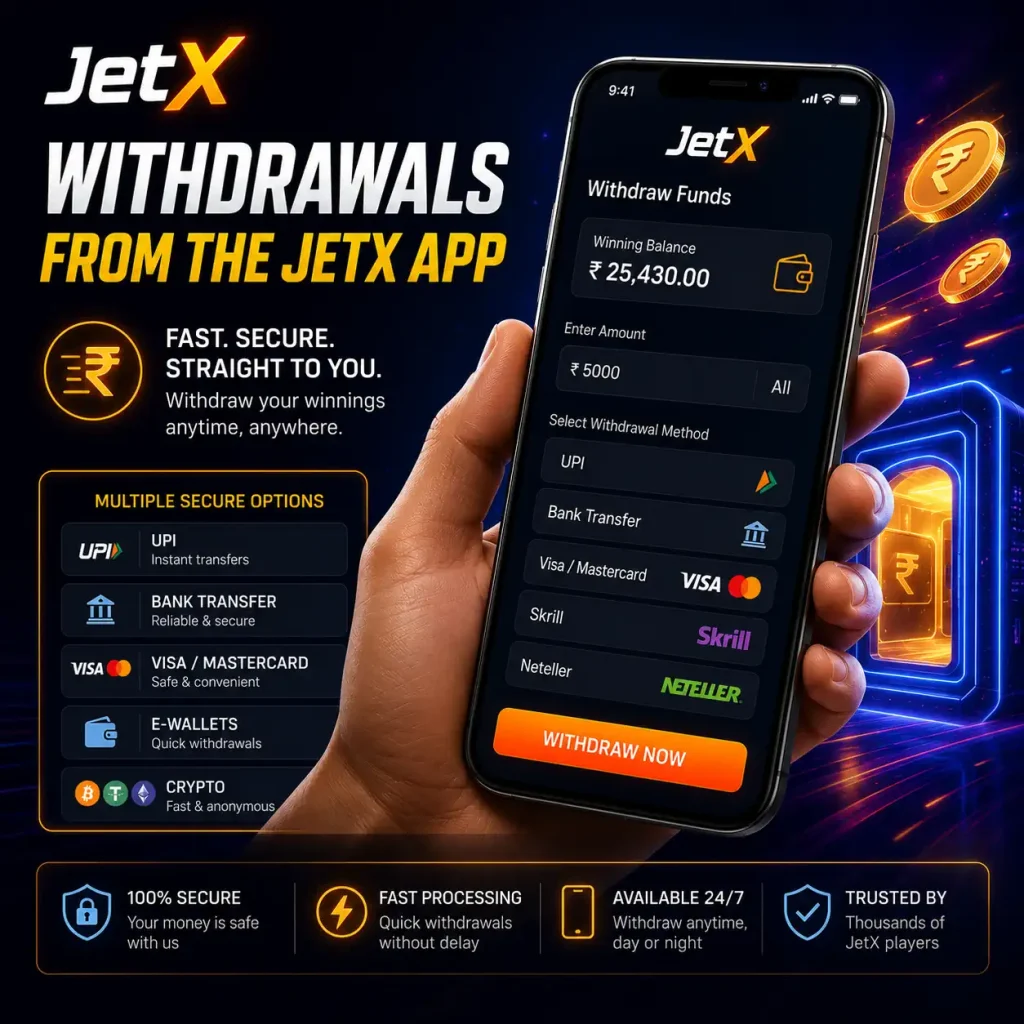
A withdrawal request begins in the account cashier. Select an available method, enter the amount and confirm the payment details.
The method used for the deposit may affect which withdrawal options appear. Some platforms return funds to the original payment source first. Others offer bank transfer, UPI, an e-wallet or crypto, depending on account status.
Players can read the full process on the JetX Withdrawal page.
Pending withdrawals may take longer when:
- account information is incomplete;
- the payment name does not match the player profile;
- identity documents have not been approved;
- bonus wagering conditions remain unfinished;
- the selected payment network is busy.
Do not cancel a pending withdrawal just to continue playing. It is an easy trap: request money, get bored, reverse it, lose it. Leave the request alone.
Bonuses and Promo Codes in the Mobile App
The promotions section may include welcome offers, deposit bonuses, cashback or game-specific campaigns. Some are activated automatically. Others require a code.
Current offers should be checked through JetX Bonuses before a deposit is made. Codes and their activation rules are covered separately on the JetX Promo Codes page.
Read the conditions, not just the huge percentage printed at the top. Important details tend to sit lower down:
- minimum deposit;
- wagering requirement;
- eligible games;
- maximum bet during wagering;
- expiry date;
- maximum convertible winnings;
- restricted payment methods.

A bonus can add play money, but it can also lock the deposit and bonus balance behind wagering rules. Sometimes taking no bonus is the cleaner option. Not exciting, perhaps. Clean.
JetX KYC and Account Verification
Identity verification may be requested before withdrawals or after certain account activity. The app can normally be used to upload documents directly from the phone camera or gallery.
Typical requests include proof of identity, proof of address and confirmation of the payment method. Exact requirements vary by account.
The step-by-step process is explained under JetX KYC & Verification.
Photograph documents in good light. Keep all four corners visible and avoid glare across names or numbers. Blurry photographs are one of the dullest reasons for a delayed payout, yet it happens constantly.
Only upload documents inside the protected account area. Support staff should not need a banking password, card PIN or one-time password. Anyone asking for those is not helping.
Is the JetX Mobile App Safe?
The app can be used more safely when it comes from the genuine platform and the player takes basic account precautions.
Check the website address before downloading. Use a unique password. Turn on screen locking and two-factor authentication. Avoid public Wi-Fi for deposits or document uploads. Keep the operating system updated.
The ugly stuff usually enters through shortcuts: unofficial APK files, “free winning signals,” modified apps and bots that claim to know the next multiplier. They do not know. A crash game result cannot be reliably predicted from a colourful chart of previous rounds.
The app should also be kept away from children and other people who use the same phone. Disable saved payment approval if the device is shared.
Mobile Performance and Connection Tips
JetX does not need a gaming phone with ridiculous specifications, but it does need a stable connection. A crash game punishes delay more visibly than a slow-loading slot. The Cash Out button is time-sensitive.
For smoother play:
- use a stable Wi-Fi or mobile data connection;
- close heavy background apps;
- keep battery-saving restrictions from freezing the app;
- avoid switching networks during a round;
- install updates from the official source;
- restart the app if controls become sluggish.
Auto Cashout can reduce dependence on a perfectly timed tap. It cannot fix a disconnected session after the bet has already been placed, so do not play with the last flicker of mobile signal on a train or in a basement.
Playing JetX Responsibly on Mobile
Mobile access makes JetX convenient. Perhaps too convenient. The game can be opened from bed, from a bus stop, during lunch, at two in the morning when every decision feels smarter than it really is.
Set a spending limit before opening the game. Use money already assigned to entertainment, not rent, food or repayments. Keep sessions short and take a break after a run of losses.
Never increase stakes just to recover what disappeared in the previous round. The next multiplier does not owe anyone a recovery.
More practical controls and support information can be found on the JetX Responsible Gambling page.
FAQ
Can I use the JetX app on an iPhone?
Yes, JetX supports mobile play on iPhones and iPads. The installation method may depend on the current iOS version and how the app is distributed in the player’s region
Does the JetX app have a free demo mode?
Yes. Demo mode allows players to practise using a virtual balance. It includes the main game controls, though demo winnings cannot be withdrawn as real money.
Can I deposit and withdraw money through the app?
Yes. The account cashier can be used for deposits and withdrawal requests. The methods shown may depend on the player’s location, account currency and verification status.